iOS 27 Adds Impersonation Risk Detection to Catch Scams in Real Time, Off by Default
The on-device feature rates the risk of a scam as Unknown, Medium or High when a supported app asks during a payment or account change. Users must switch it on themselves.
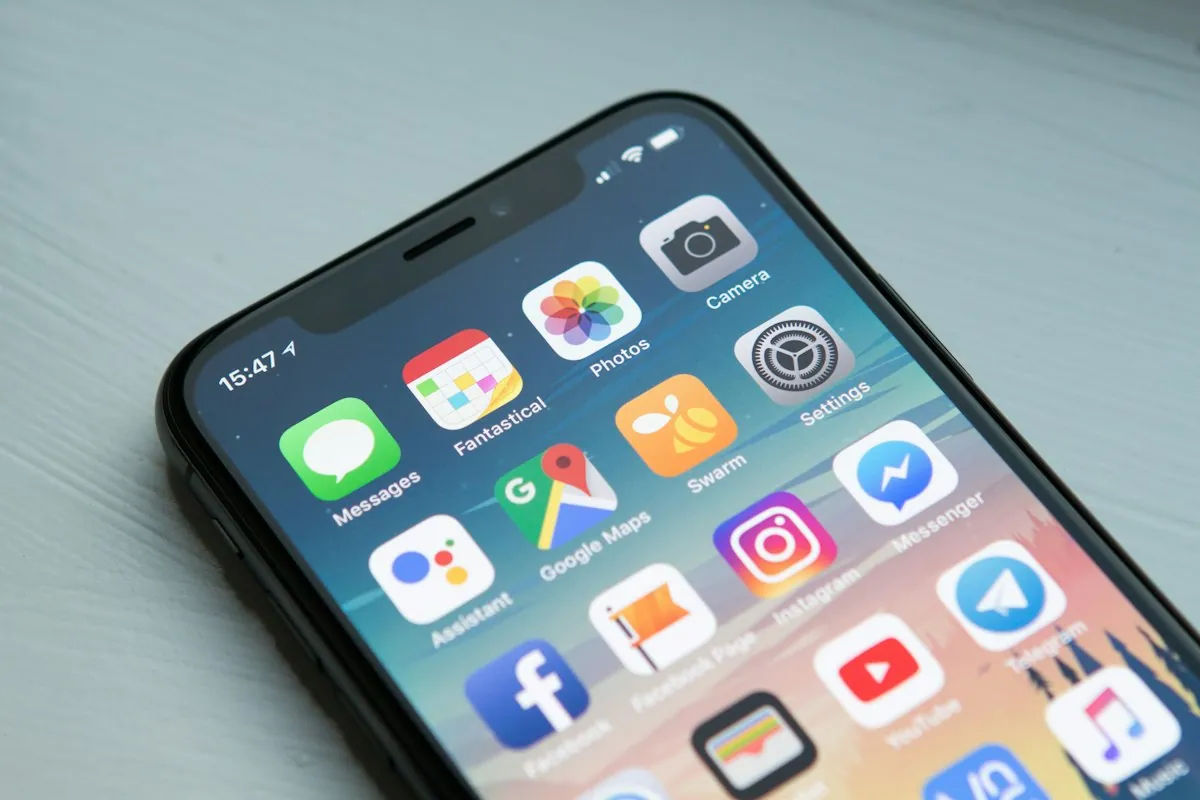
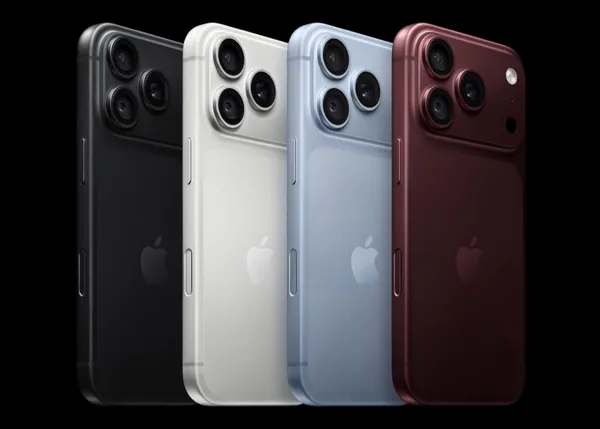
Apple's iOS 27, which shipped alongside the iPhone 18 Pro, includes a security feature called Impersonation Risk Detection. It is designed to flag signs that a user is in the middle of a social engineering scam before they send money or change sensitive account details. It is available now but switched off by default (9to5Mac, Help Net Security).
How it works
The feature targets scams where an attacker poses as a bank, government agency, delivery company or someone the victim knows, and pressures them into paying or changing account information. The victim authorises the action themselves, so it looks legitimate on paper, which is why two-factor authentication and normal fraud checks miss it.
The system analyses signals from the device and the user's Apple Account on the device itself. Apple says it does not read the contents of Photos, Messages or Mail, and does not receive the information used to calculate the risk. When a supported app asks for an assessment during a sensitive action, such as a payment or a security change, it receives only a risk level.
| Risk level | Meaning |
|---|---|
| Unknown | No suspicious signs detected; Apple notes this does not guarantee the action is safe |
| Medium | Some signs of suspicious activity |
| High | Significant signs of suspicious activity |
Apps that get a Medium or High result decide how to respond: showing a warning, asking for extra verification or briefly delaying the action. Under Recent Activity in Settings, users can see which apps asked for an assessment and why (Gulf News).
Why off by default matters
Users must open Settings, Privacy & Security, Impersonation Risk Detection, and separately turn on Share with App Developers before any app can use the signal. Apple says changes can take up to 24 hours to apply. That is a higher bar than most security features, and the people who would benefit most, those least likely to explore settings after an update, are also the least likely to find it.
It also depends on apps adopting it. iOS 27 gives developers the framework, which coverage calls Trust Insights, but a banking, payment or messaging app must build support before the feature does anything. Apple has not published a list of supported apps. Apple detailed the framework at WWDC 2026, covering payments, account changes and communication actions such as sending bulk messages or signing documents. One report says turning the feature off triggers a 24-hour delay, so a scammer cannot simply tell a panicked victim to disable it mid-call; that detail has not been confirmed by a second source (CyberPeace).
The feature arrives as the FBI reports that law enforcement and government impersonation scams cost US victims more than $1.6 billion between January 2025 and July 2026.
What to watch next
Watch which banking and payment apps adopt the framework, including major Indian payment apps such as Google Pay, PhonePe and Paytm, and whether Apple eventually turns the feature on by default.
'/%3E%3Cstop offset='1' stop-color='rgb(70,24,44)'/%3E%3C/linearGradient%3E%3C/defs%3E%3Crect width='1200' height='675' fill='url(%23g)'/%3E%3Cpath d='M480 300V230A120 120 0 0 1 720 230V300' fill='none' stroke='rgb(210,215,230)' stroke-width='34' stroke-linecap='round'/%3E%3Crect x='430' y='300' width='340' height='260' rx='36' fill='rgb(235,180,60)'/%3E%3Ccircle cx='600' cy='400' r='34' fill='rgb(60,30,20)'/%3E%3Crect x='588' y='410' width='24' height='80' rx='10' fill='rgb(60,30,20)'/%3E%3Cpath d='M640 300L585 380L625 410L570 560' fill='none' stroke='rgb(255,90,90)' stroke-width='10' stroke-linejoin='round'/%3E%3Cg fill='rgb(255,90,90)'%3E%3Ccircle cx='250' cy='220' r='14'/%3E%3Ccircle cx='950' cy='260' r='14'/%3E%3Ccircle cx='900' cy='480' r='14'/%3E%3Ccircle cx='280' cy='470' r='14'/%3E%3C/g%3E%3C/svg%3E)