Home Assistant 2026.10 Adds New Matter Controls, a Redesigned Map and One-Click AI Setup
The release, which went stable on October 7, brings Matter leak-sensor and lock settings, an OpenStreetMap vector map and a one-click MCP server for AI assistants.
The Home Assistant 2026.10 beta added new Matter controls for leak sensors, smart locks and power monitoring, a rebuilt map dashboard and one-click setup for AI tools, and the developers warned it carried more backward-incompatible changes than usual (Matter Alpha).
<blockquote><strong>Update, October 25:</strong> Home Assistant 2026.10 shipped as a stable release on October 7, titled "You are here" (<a href="https://www.home-assistant.io/blog/2026/10/07/release-202610/">Home Assistant</a>, <a href="https://www.home-assistant.io/changelogs/core-2026.10/">full changelog</a>). The release post explains that the map moved to vector tiles from the OpenStreetMap Foundation after the previous provider began requiring an API key, which broke every map at once. A hands-on test found the one-click MCP server behaves the same in stable as in the beta, with access limited to administrator accounts and locks excluded by default (<a href="https://jacar.es/?p=7657">Jacar</a>).</blockquote>
New Matter controls
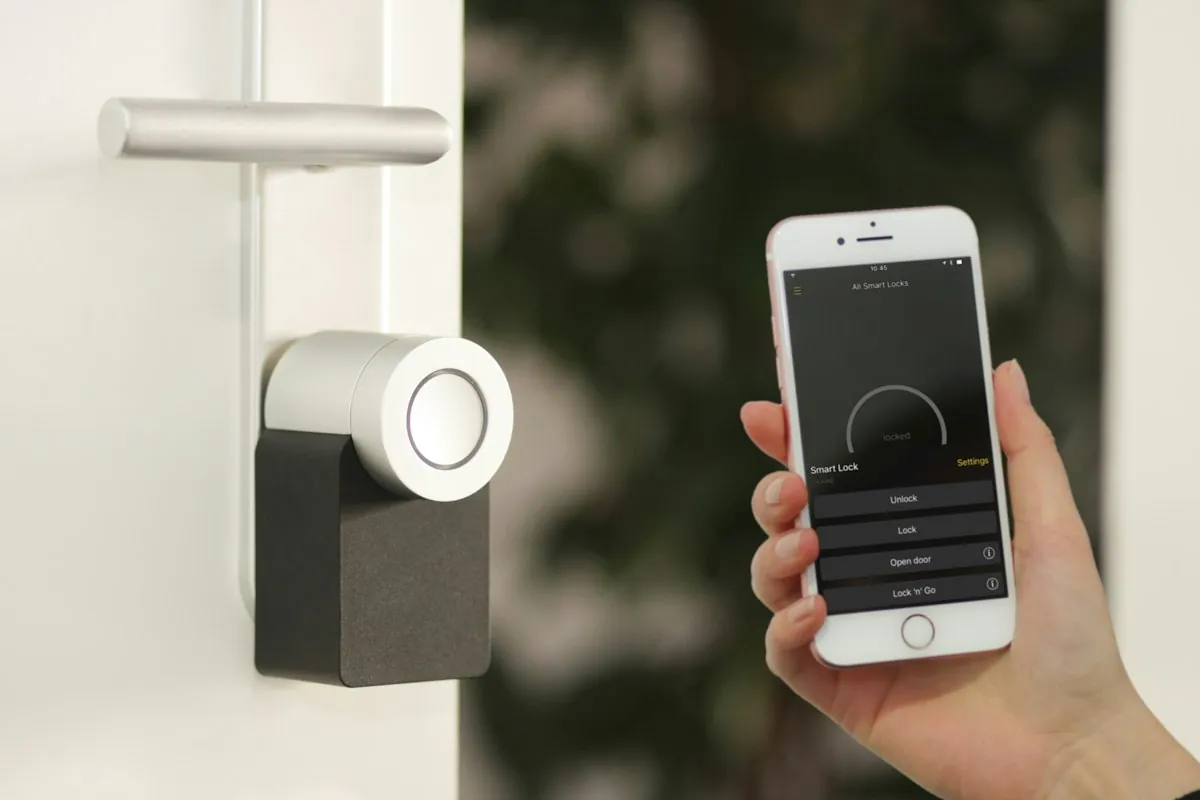
Supported Matter leak sensors get separate switches for their audible and visual alarms, which work independently; Matter Alpha names the IKEA KLIPPBOK as compatible. Smart locks that support it gain a one-touch keypad locking option, letting owners decide whether a single tap on the keypad engages the lock.
| Matter device type | New in 2026.10 |
|---|---|
| Leak sensors | Independent audible and visual alarm switches |
| Smart locks | One-touch keypad locking option |
| Energy meters and plugs | Frequency and power factor readings |
| WAGO Home Blind Control (2757-1105 Wi-Fi, 2757-1106 Thread) | Travel time and slat rotation settings |
A redesigned map and simpler profiles
The map now uses OpenStreetMap vector tiles drawn on the device, and a new Map tiles integration fetches and caches them through Home Assistant so browsers do not contact tile servers directly. People can appear as markers with profile pictures, zones can carry custom icons, and a dark style is available (TechEnclave). Germany's Smart Home Assistent notes that older devices, such as an ageing wall tablet, fall back to the classic map.
Non-admin users can now edit their own profiles, the home dashboard can show active alerts, the energy dashboard can show individual battery discharge, and timers get improved controls, according to the community forum.
Automation and AI changes
A redesigned "Triggered by" condition generates trigger IDs automatically, so builders no longer manage them by hand. Dashboard visibility conditions expand to include Template, Sun, Zone and Device conditions.
The new AI settings page, under Settings, System, AI, offers one-click MCP setup for assistants such as Claude and ChatGPT: a card switches on the server and gives a URL to paste into the agent. By default only administrators can connect and locks are excluded, though owners should still review which entities they expose.
New integrations and quality ratings
The community post counts 15 new core integrations, spanning infrared and Modbus, plus seven virtual integrations, with energy and solar monitoring prominent, including Sunsynk, KACO Modbus, my-PV and Axle Energy. SolarEdge Modbus launches at platinum, the top of the project's quality scale. The forum says 25 integrations received new quality ratings, a record, with ten reaching platinum, from well over 2,000 merged pull requests.
Breaking changes to check
Read the full notes before updating. Changes include removal of the legacy authentication mode, with usernames normalised to lowercase without spaces; six energy sensors removed for Sofar inverters without energy meters; an allowlist requirement for Telegram bot download directories; and UniFi Network no longer reconfigurable by re-adding it. Manually publishing or dumping MQTT messages, and manually rebooting or shutting down Synology DSM, now require administrator access, though automations and scripts are unaffected. One French report says eight integrations were removed.
What to watch next
Watch the first point releases for fixes, and whether the Matter controls reach devices beyond those named.