Windows 11 October Update KB5127648 Adds a Copilot Key Remap and New Touchpad Scrolling
The October 13 update brings File Explorer preview fixes, edge scrolling for touchpads and a Tips widget, and is the last security update for Windows 11 24H2 Home and Pro.
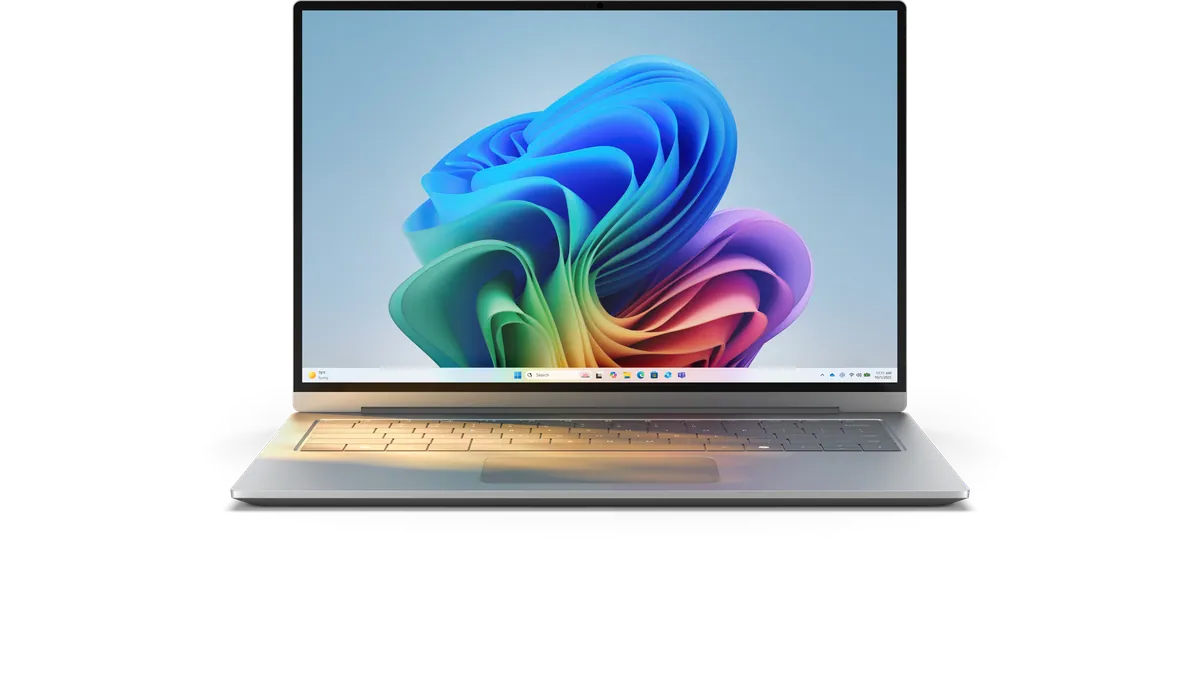
Microsoft released its October 2026 security update for Windows 11 on Tuesday, October 13, as KB5127648 for versions 26H2, 25H2 and 24H2. It adds a Copilot key remap, two new touchpad scrolling options, File Explorer preview fixes and a Tips widget, and it is the last security update for Windows 11 24H2 Home and Pro (Windows Latest, BleepingComputer).
Most features first appeared in the optional preview update KB5124010, released on September 22.
What's new
| Area | Change | Where to find it |
|---|---|---|
| Copilot key | Remap to Right Ctrl, the Context Menu key or Windows Search | Settings, Bluetooth and devices, Keyboard |
| Touchpad | Single-finger scrolling along the left or right edge; automatic scrolling when you swipe toward the edge | Settings, Bluetooth and devices, Touchpad |
| File Explorer preview | Downloaded files and PDFs preview again; HTML files show a warning with a button to preview anyway | File Explorer Preview pane |
| File Explorer Home | Remembers expanded or collapsed sections; better cloud thumbnails in Details pane | File Explorer |
| Accessibility | Option to open apps maximised rather than full-screen; redrawn Magnifier toolbar | Settings, Accessibility, Visual Effects |
| Tips widget | Short Windows tips, can sit on the lock screen | Personalization settings |
| Camera Roll Backup | Backs up phone photos to OneDrive via a QR code | Settings home or Accounts |
| Other | Emoji 17.0, wallpaper and slideshow transitions, recovery environment reuses saved Wi-Fi, stricter kiosk shortcuts | - |
For more Copilot key options, Microsoft's free PowerToys can map the key to any app (PCWorld). The update also brings Bluetooth improvements. One feature is removed: PC-to-PC Migration is gone, and Microsoft points users to Windows Backup instead.
Gradual rollout
Security fixes apply as soon as the update installs, but Microsoft uses Controlled Feature Rollout, so some interface features may take several weeks to appear on every PC, even on the same build (Digital Citizen).
Known issue and the 24H2 deadline
KB5127648 has a confirmed bug that can stop you turning on Smart App Control if it was previously off; Microsoft has published a workaround. More important for many households, Windows 11 24H2 Home and Pro stop receiving monthly security fixes after this release, so PCs still on 24H2 should move to 25H2 through Windows Update.
What to watch next
A fix for the Smart App Control bug, Microsoft's November update, and the AI-powered Search experience now in Insider testing.