Windows 11 Version 26H2 Rolls Out With an AI Settings Agent and Post-Quantum Cryptography
This year's feature update arrived on September 29 as a small enablement package with one restart. Most features were already delivered through monthly updates.
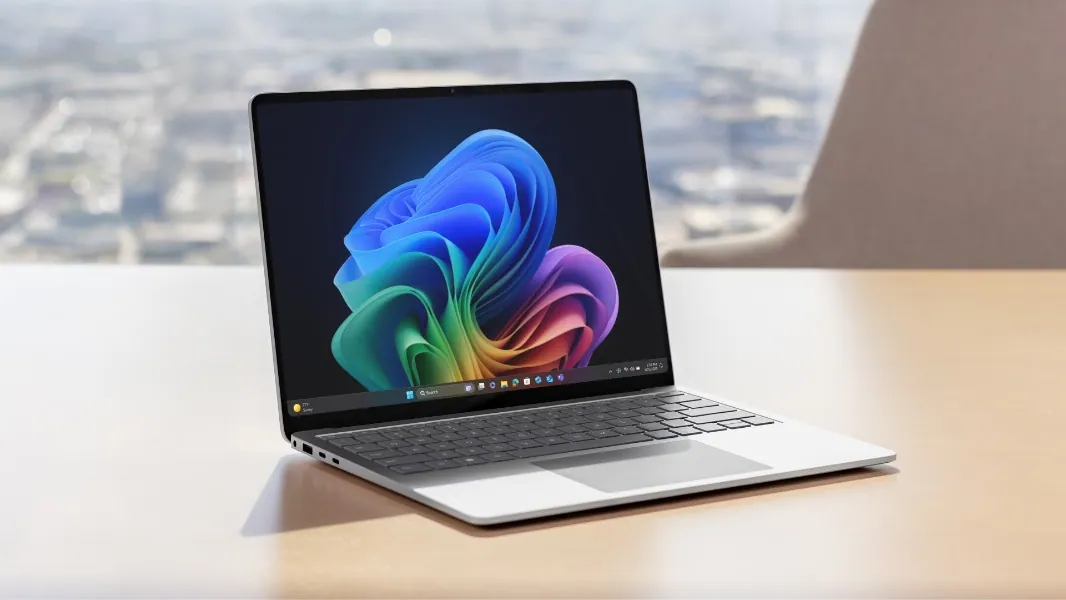
Microsoft started rolling out Windows 11 version 26H2, this year's annual feature update, on September 29. Unlike past annual updates that arrived as full system overhauls, 26H2 installs as a small enablement package with a single restart, because most of what it contains has already reached PCs through monthly updates (BetaNews, Microsoft Tech Community).
How the rollout works
| Detail | Windows 11 version 26H2 |
|---|---|
| Release | September 29, 2026, phased over several months |
| Build | 26300.9550 |
| Package | Enablement package KB5121794 (174KB on x64 and ARM64), one restart |
| Eligible devices | PCs on 24H2 or 25H2; not PCs on the separate 26H1 branch |
| Support | 24 months for Home and Pro; 36 months for Enterprise and Education |
Versions 24H2, 25H2 and 26H2 share one servicing branch and codebase, so features such as moving the taskbar to the top, left or right and a resizable Start menu were already delivered to 24H2 and 25H2 devices and sit dormant until the enablement package switches them on (Eleven Forum). Users who want it sooner can turn on "Get the latest updates as soon as they're available" in Settings, Windows Update. Devices on the Qualcomm-only 26H1 branch cannot move to 26H2 because it uses a different core.
What is new
Microsoft lists an Agent in Settings that finds and adjusts system settings from natural-language requests, and AI-driven monitoring in Task Manager. On security, 26H2 adds API support for the NIST-standardised post-quantum algorithms ML-KEM and ML-DSA for key exchange, signing and decryption through CNG and .NET, a built-in Sysmon tool for event logging that ships off by default, and Windows Hello Enhanced Sign-in Security for third-party fingerprint sensors. Administrator protection, which grants just-in-time admin rights, can be enabled through Intune or Group Policy. A Point-in-time restore feature rolls a PC back to a recent automatic restore point without a full reset.
Smaller changes include a cleaner Windows Search layout, clearer file sizes in File Explorer, and Voice Isolation in Voice Access for noisy rooms. For commercial devices, Windows settings backup and app-specific taskbar actions are now on by default, along with several File Explorer improvements.
Why Microsoft built it this way
John Cable, Microsoft's vice president of product management for Windows servicing and delivery, described the installation as similar to a monthly update and the rollout as measured and data-driven. Microsoft uses safeguard holds to keep devices with known compatibility problems on their current version until a fix is ready, with status on the Windows release health hub. The first cumulative Patch Tuesday update for 26H2 was scheduled for October 13. Because the three versions share a codebase, bugs can also hit all of them at once, as the September KB5124010 AC-3 audio issue showed.
What to watch next
Watch for safeguard holds on specific hardware, enterprise experience with Sysmon and post-quantum cryptography support, and how quickly the phased rollout reaches all eligible PCs.